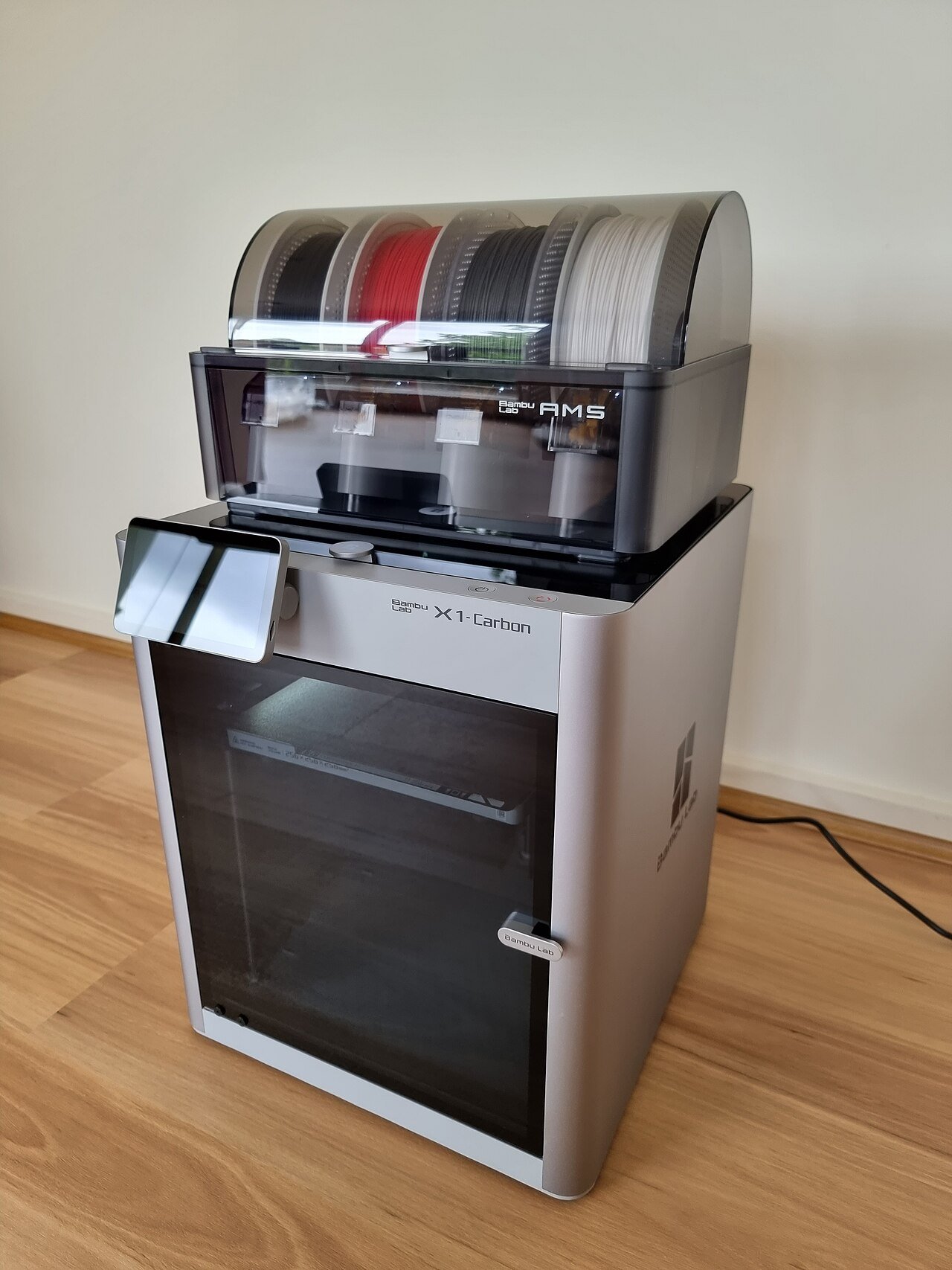
Bambu Lab P1S review: a year in, with the AMS
Disclosure: I bought this printer with my own money. Bambu Lab didn’t send it. There are no affiliate links in this post. How I review
Short version: I’ve run a Bambu Lab P1S with the AMS for over a year. The first print came out perfect, and that’s when I knew. It’s solid, the software is easy to live with, and the AMS has been awesome. My only real complaint is filament waste.
Coming from a Creality
The P1S wasn’t my first printer. I had a Creality before it, and I didn’t like it nearly as much. The difference I noticed most was how solid the Bambu feels as a product, and how much friendlier its software and screens are.
The AMS
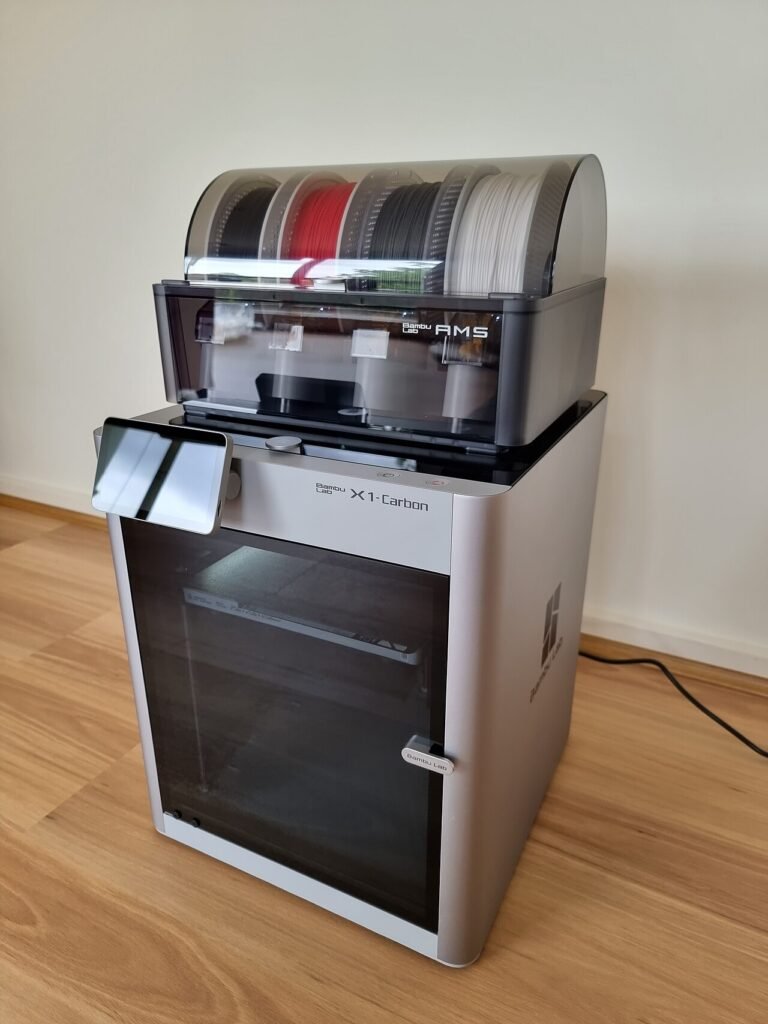
The AMS (Automatic Material System) holds four spools and switches between them on its own, which is what makes multi-color prints practical. Mine has been awesome.
Filament
I run Bambu’s own filament and haven’t had issues with it. I haven’t tested third-party spools in the AMS, so I can’t speak to them.
Specs that matter
| Build volume | 256 x 256 x 256 mm |
| Enclosure | Fully enclosed |
| Max speed / acceleration | 500 mm/s / 20,000 mm/s² |
| Max hotend / bed temp | 300 °C / 100 °C |
| Multi-color | AMS (included in the Combo); up to 4 units can be connected |
The controversy you should know about
In January 2025, Bambu announced a firmware change called Authorization Control that restricted how third-party software could control its printers. It reached the P1 series in mid-2025. The community pushed back hard, and Bambu responded with a LAN-only Developer Mode for people who want open, local control.
It was a PR mess, and I won’t pretend it didn’t happen. In my view they’ve worked hard to fix it since.
If you run Home Assistant: the community Bambu Lab integration can still read printer status on current firmware, but controlling the printer from Home Assistant requires LAN-only mode with Developer Mode switched on, which gives up cloud features and the Handy app. Know that going in.
Buying one in 2026
The P1S is still in production, but it’s no longer Bambu’s newest printer in this class: the P2S launched in October 2025. As of this writing (October 2026), the P1S lists at $799 on Bambu’s US store, down from $949. Compare it against the P2S before you buy.
My one complaint
Filament waste. Every color change on the AMS purges filament, and on multi-color prints that scrap pile grows fast. That’s it. That’s the list.
Who it’s for
If you want a printer that works out of the box and multi-color that just works, the P1S with the AMS is an easy pick in my experience. If open, cloud-free control matters more to you than convenience, read up on Developer Mode first.
My rating: 4.5 out of 5